Tendr Care Hub2.0.1
Publisher Description
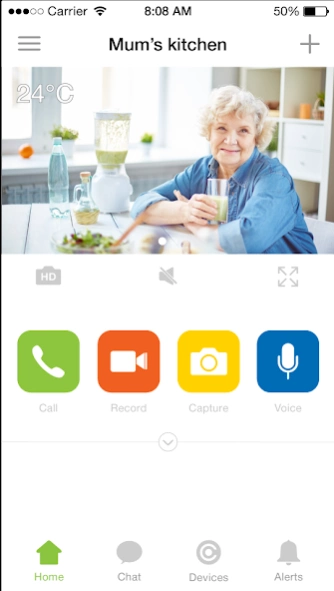
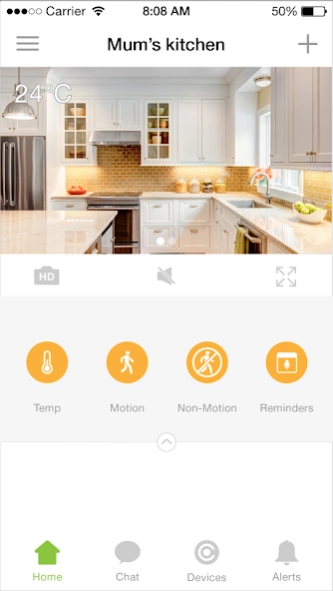
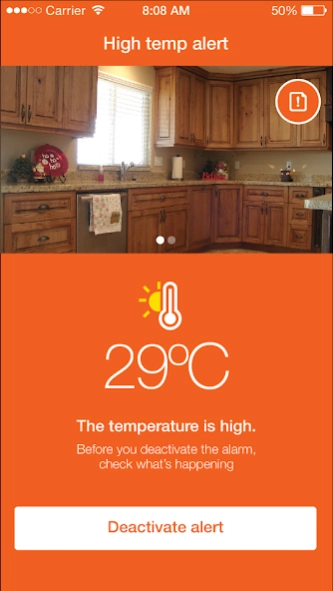
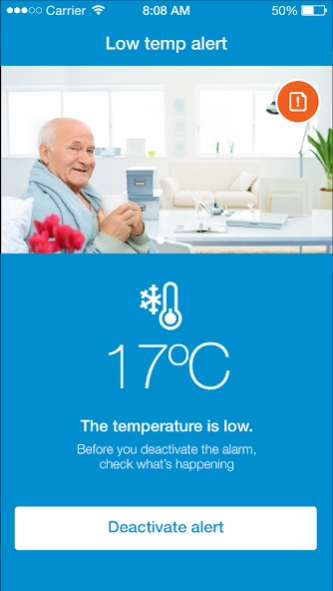
First smart product designed to give you and your elderly family peace of mind.
Tendr Care Hub is the first smart product designed to give you and your elderly family peace of mind.
Main features:
- Real time voice / vedio communication
- Notification and reminders
- Temp Alert
- Motion detection to protect
- Night light and HD camera
About Tendr Care Hub
The company that develops Tendr Care Hub is Efergy Technologies Ltd. The latest version released by its developer is 2.0.1.
To install Tendr Care Hub on your Android device, just click the green Continue To App button above to start the installation process. The app is listed on our website since 2017-01-18 and was downloaded 14 times. We have already checked if the download link is safe, however for your own protection we recommend that you scan the downloaded app with your antivirus. Your antivirus may detect the Tendr Care Hub as malware as malware if the download link to com.efergy.carehubapplication is broken.
How to install Tendr Care Hub on your Android device:
- Click on the Continue To App button on our website. This will redirect you to Google Play.
- Once the Tendr Care Hub is shown in the Google Play listing of your Android device, you can start its download and installation. Tap on the Install button located below the search bar and to the right of the app icon.
- A pop-up window with the permissions required by Tendr Care Hub will be shown. Click on Accept to continue the process.
- Tendr Care Hub will be downloaded onto your device, displaying a progress. Once the download completes, the installation will start and you'll get a notification after the installation is finished.
Program Details
System requirements
Download information
Pricing
Version History
version 2.0.1
posted on 2017-01-18
We hope 2017 brings you health and happiness. The team here would like to thank you for your patience and feedback. We have listened and made improvements that will make it easier to install and use. Here’s what we have done:,Added fast walk through that appears the first time the user installs the device.,Introduced the new brand.,Simplified volume confirmation reminders when user adjusts the volume.,Added a fast access icon on the home page for device setting.,Removed the language choice.
version 1.2.3
posted on 2016-10-30
1. To add the notification of members of quit the family member,2. To fix some certainty condition of crash duiring muti- user access the video stream
